
How was JMW Jant’s Dell VxRail infrastructure moved from VMware to Hyper-V?
JMW Jant wanted to reduce its VMware license renewal costs and keep using its existing Dell hardware. After assessing the hardware fleet of three Dell VxRail P570F nodes and one PowerEdge R740, we planned the migration to Windows Server 2025 Hyper-V and redesigned virtual machine placement, replication and backup processes for the new setup.
Project summary3 × P570FWS 2025
Annual VMware license renewal cost avoided (+ VAT)
2024–today: zero downtime
Dell VxRail node + PowerEdge R740
Why did a license renewal turn into an infrastructure project?
JMW Jant’s virtualization infrastructure was based on VMware vSphere, vCenter and vSAN running on Dell VxRail hyper-converged (HCI) servers. While this architecture offered central management and integrated storage, it created a dependency on the VMware ecosystem for licensing and product lifecycle.
Because of the VMware renewal cost, we prepared a migration plan that kept the existing servers. Moving off vSAN, we decided where the virtual disks would live, in which order services would be moved and how workloads would be brought back if a server failed.
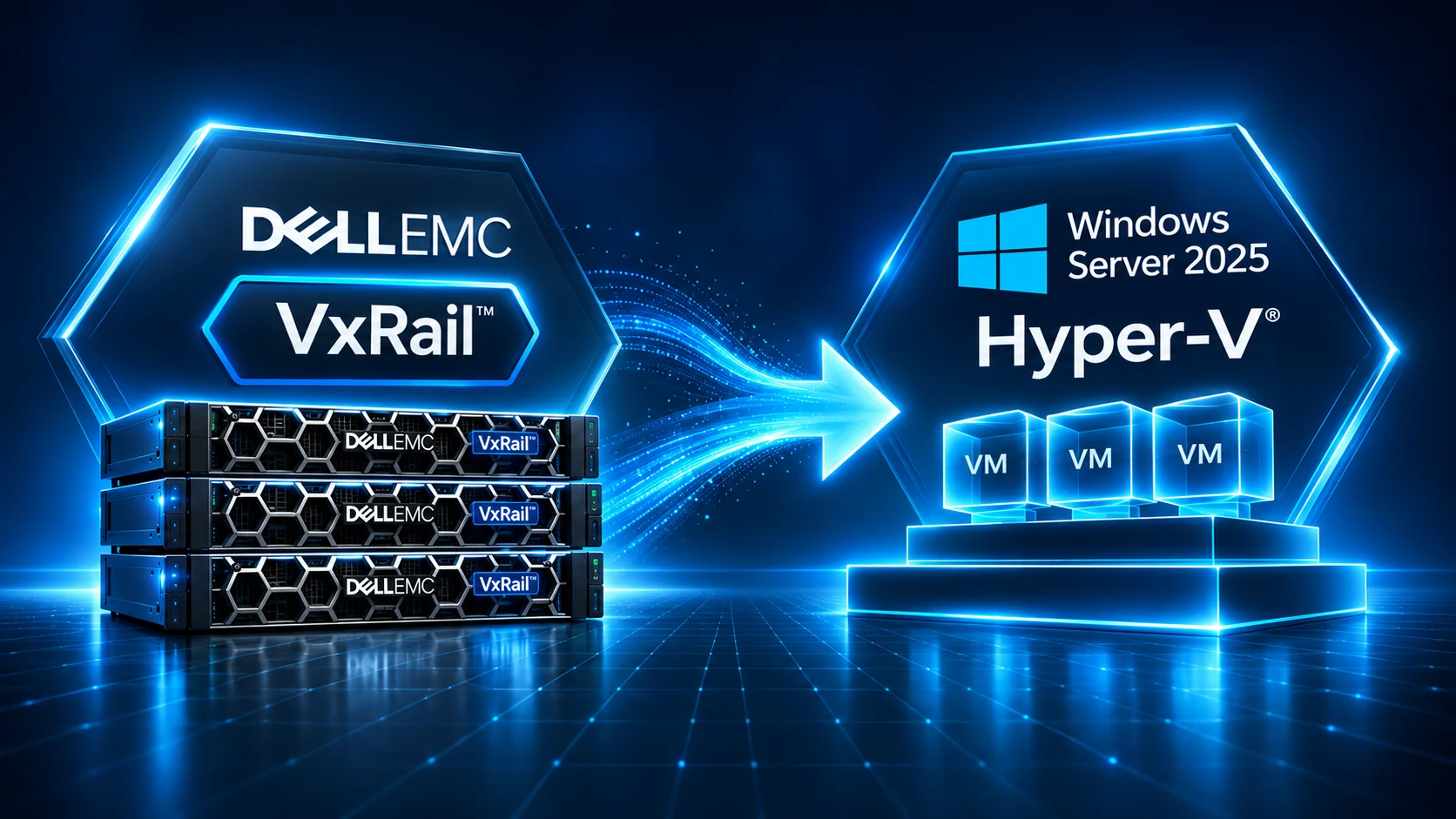
This was not just a matter of removing ESXi and installing Hyper-V
Moving from a hyper-converged infrastructure to Hyper-V required redesigning not only the virtualization platform but also the storage, management, replication and disaster recovery architecture.
HCI dependency
Dell VxRail was an infrastructure tightly integrated with VMware vSphere and vSAN. To move to Hyper-V while keeping the existing hardware, we had to rethink management, storage access, system updates and failure scenarios.
Storage architecture
vSAN’s distributed storage design differed from Hyper-V’s approach to storage and replication. We redesigned data placement, capacity planning, virtual machine replication and restore processes for the new architecture.
Operational continuity
Active Directory, DNS, file and print services, human resources, the phone system and production applications all depended on each other. Keeping these services available during the migration and minimizing the risk of downtime was our critical priority.
We redesigned the whole infrastructure architecture, not just the hypervisor
Workload and dependency analysis
Before the migration we analyzed the virtual machines by CPU, RAM, disk usage, service dependencies and critical business processes. Prioritizing Active Directory, file services and production applications, we set the migration order, maintenance windows and rollback plans.
Reassessing the existing hardware
We assessed three Dell VxRail P570F servers and a Dell PowerEdge R740 for the new architecture. Keeping the existing hardware investment, we removed the VMware-dependent software layer and built an independent virtualization platform based on Windows Server 2025 Hyper-V.
Asynchronous replication and disaster recovery
We configured one server as the primary virtualization host and another as the replication target. With Hyper-V Replica, changes to critical virtual machines are transferred asynchronously. We chose a controlled recovery approach over automatic failover and separately assessed replication intervals and possible data loss windows.
Layers separated in the design
Virtualization
Physical server roles, CPU and memory capacity, driver/firmware compatibility and virtual machine requirements.
Storage
Disk configuration, capacity planning, performance, data placement and restore processes.
Network Infrastructure
Separating management, server, client and production networks with a VLAN structure and security policies.
Identity and services
Active Directory, DNS, service accounts, application dependencies and the correct startup order of systems.
Business continuity
Hyper-V Replica, backup, recovery tests, RPO/RTO targets and rollback scenarios.
Operational management
System monitoring, update management, change control, maintenance processes and technical documentation.
We migrated in stages and verified every stage
Discovery and design
We analyzed the existing VMware/vSAN infrastructure, hardware capacity and the dependencies between virtual machines. Prioritizing critical services, we created the new Hyper-V architecture, storage design, replication roles and migration plan.
Phased migration
We moved virtual machines in stages according to business criticality and service dependencies. We checked disk formats, drivers, network connections and application compatibility and prepared a rollback plan for each stage.
Recovery verification
After the move we verified virtual machine startup, Active Directory and DNS services, file access and critical applications. We checked replication status with Hyper-V Replica and assessed the recovery scenarios. The independent backup infrastructure is maintained separately.
From an HCI model tied to one product family to a manageable virtualization and recovery architecture
| Layer | Before | After the transformation |
|---|---|---|
| Virtualization | VMware vSphere / ESXi | Windows Server 2025 Hyper-V |
| Storage | VMware vSAN-based HCI model | Hyper-V host storage; no claim of one-to-one equivalence with vSAN |
| Business continuity | The availability approach of the VMware/vSAN ecosystem | Asynchronous VM copies with Hyper-V Replica; backup and recovery processes separate |
| Operation | VxRail/VMware management and licensing dependency | Windows Server-based host and service management |
| Hardware | Dell VxRail P570F infrastructure | Existing P570F investment + PowerEdge R740 assessed and reused |
Results of the migration and operating history
USD 45,000 + VAT / year
Annual VMware license renewal cost avoided: USD 45,000 + VAT. This is the renewal cost; it is not a net saving calculated after deducting new licenses and migration costs. The existing servers are still in use.
2024–today: zero downtime
The migration from VMware to Hyper-V was carried out in 2024. This metric covers the operating period from the migration to today.
3 VxRail P570F + 1 PowerEdge R740 reused
The existing hardware was reused in the new architecture. One server was configured as the primary Hyper-V host and another as the replica target. The virtualization layer runs on Windows Server 2025 Hyper-V; backup runs separately from replication.
Post-migration verification
After the migration we checked virtual machine startup, authentication, DNS and file access. Critical virtual machines are replicated asynchronously with Hyper-V Replica; recovery is carried out in a controlled way.
Your existing investment has value. The new architecture should be designed around it
Every organization’s infrastructure, workloads and operational needs are different. Whether the goal is lower VMware licensing costs, a hardware refresh or stronger business continuity, our priority is to define the most suitable architecture while protecting existing investments. We assess Hyper-V, KVM and other enterprise virtualization solutions in terms of technical requirements, total cost of ownership and long-term sustainability.
Which questions do we start with?
01
Which workloads really need to run continuously?
02
What dependencies exist on the current hardware?
03
What is your real RPO/RTO target?
04
Does storage need HA, replicas or backups?
05
How does the 3- and 5-year total cost of ownership change?
Let’s recalculate your VMware licensing costs
Let’s assess together how much you could reduce your VMware licensing costs while keeping your existing servers and hardware investment, and compare Hyper-V and other virtualization alternatives in terms of performance, business continuity and total cost of ownership.
Positioning the technologies correctly
This page is based on the Dell VxRail Architecture Guide for VxRail’s integrated architecture with VMware, and on Microsoft Learn – Hyper-V Replica Overview for the asynchronous nature of Hyper-V Replica and how it differs from cluster high availability. Project metrics are based on statements by the customer and the project team.